Sign In
IDpack Starter Will Be Discontinued on July 1, 2026
IDpack Starter will be discontinued on July 1, 2026. Starter users must upgrade to a paid subscription to continue using IDpack.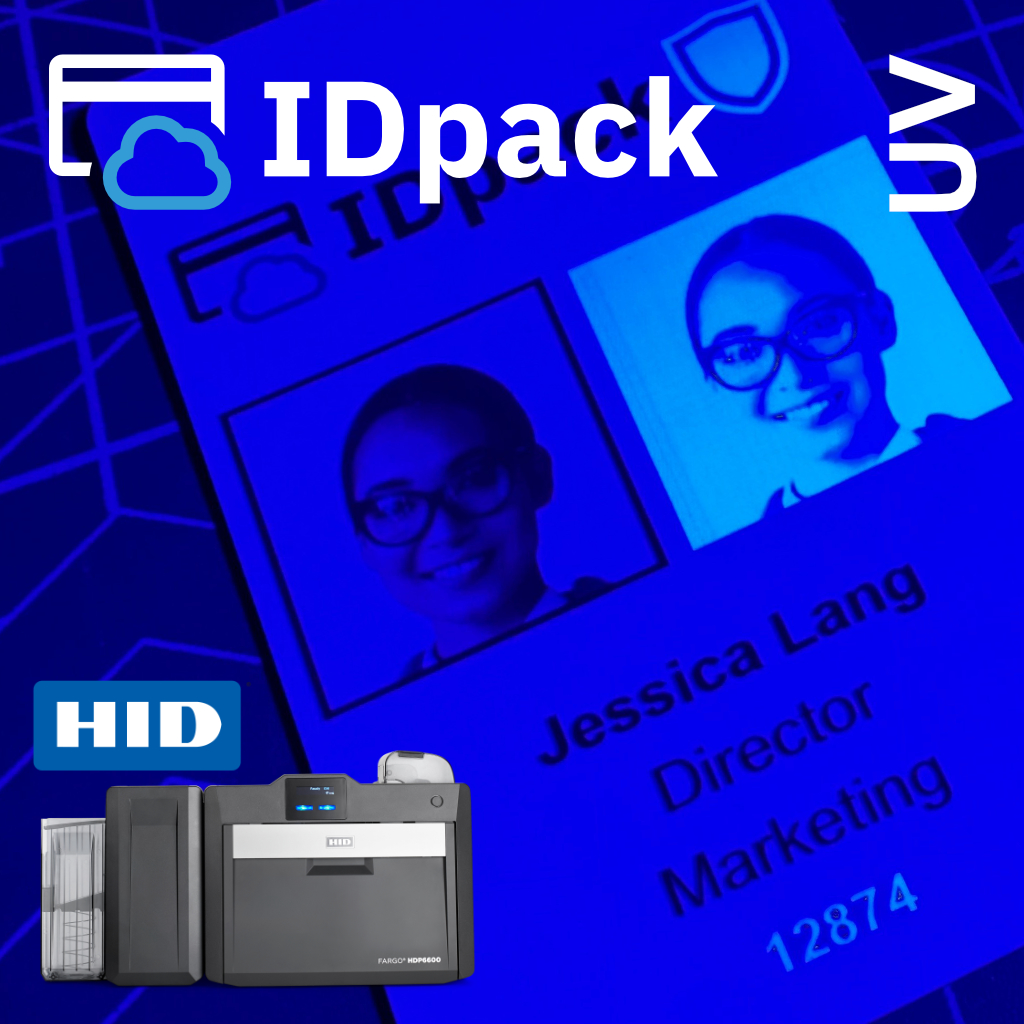
How to Print with IDpack Using the HID FARGO HDP6600 Fluorescent (UV) Panel
Printing with the Fluorescent (F) panel (commonly referred to as UV) on the HID FARGO HDP6600 adds a sophisticated security layer to your ID cards. This guide explains how to configure IDpack to utilize the HID FARGO 084916 YMCFK ribbon for...
IDpack v4 Launches: An Evolution in Cloud-Based ID Card Issuance
IDpack announces the launch of IDpack v4, a major architectural evolution of its cloud-based ID card issuance platform.
IDpack Hidden Feature Gem: Service Bureau
Discover the Service Bureau feature in IDpack, one of its hidden gems that lets you print badges for other organizations efficiently.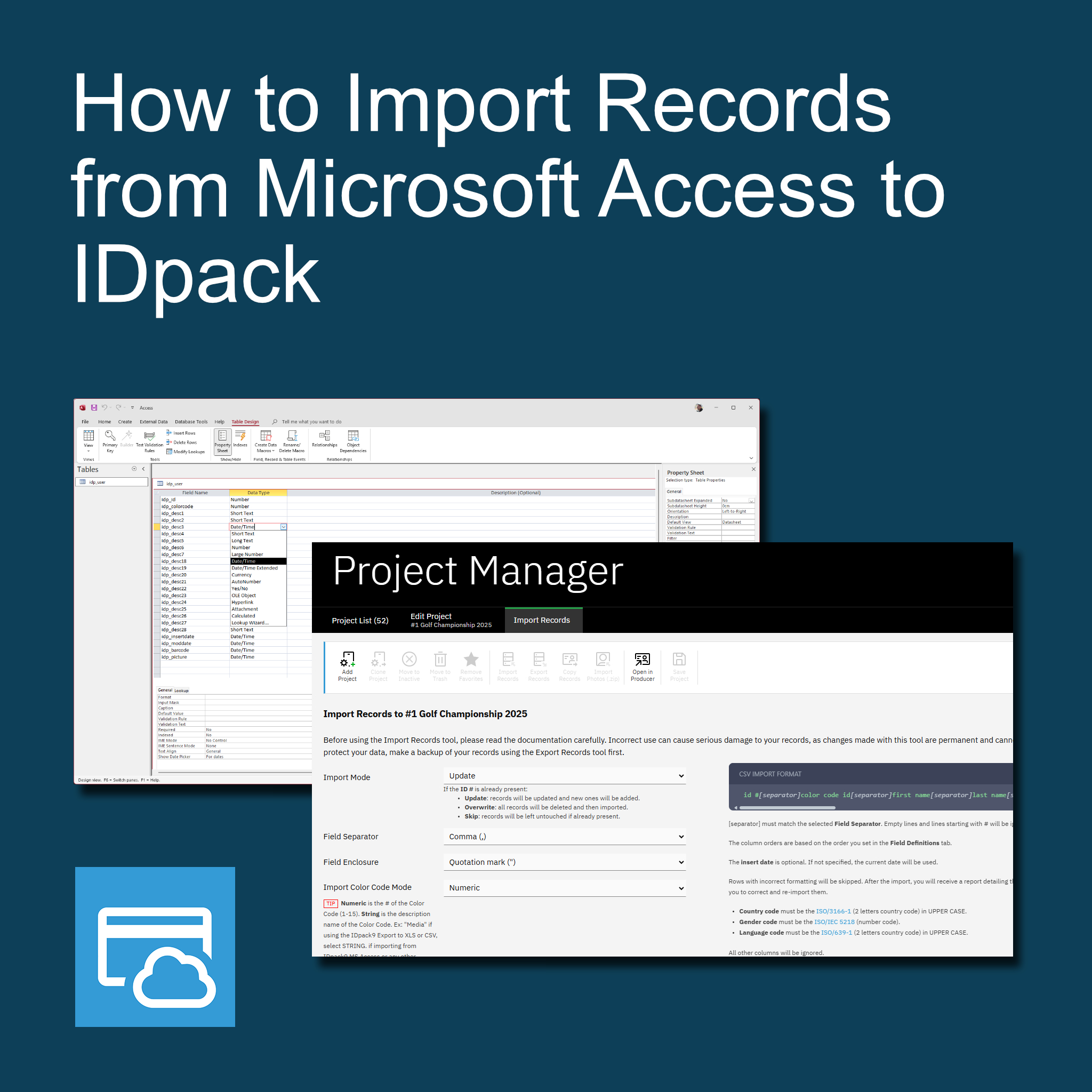
How to Import Records from Microsoft Access to IDpack
Learn how to import data from Microsoft Access into IDpack. This step-by-step guide shows you how to prepare, export, and import your records.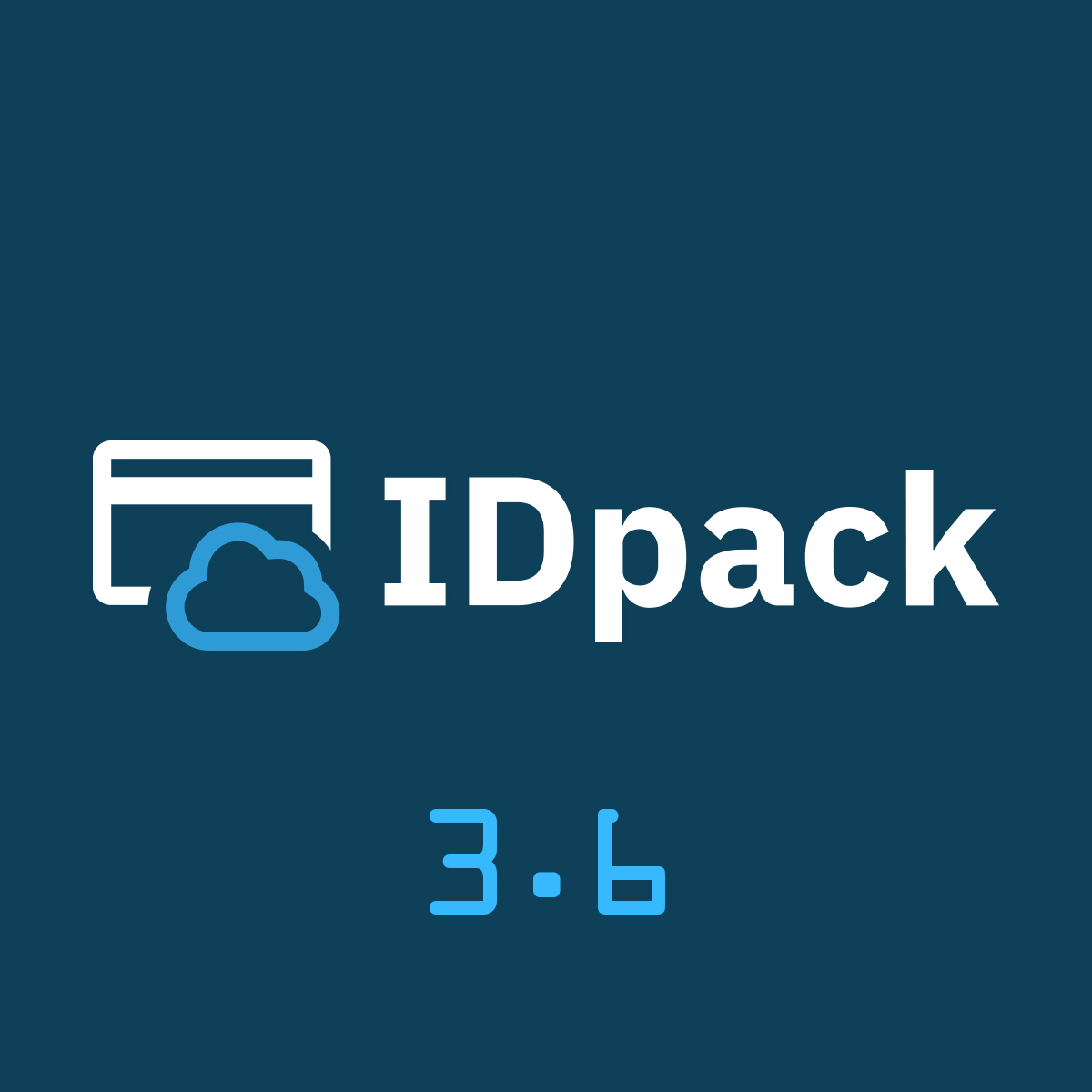
IDpack 3.6 - AWS Integration and Performance Boost
We’re pleased to announce the launch of IDpack version 3.6, a major update focused on giving you more control, speed, and a improved user experience.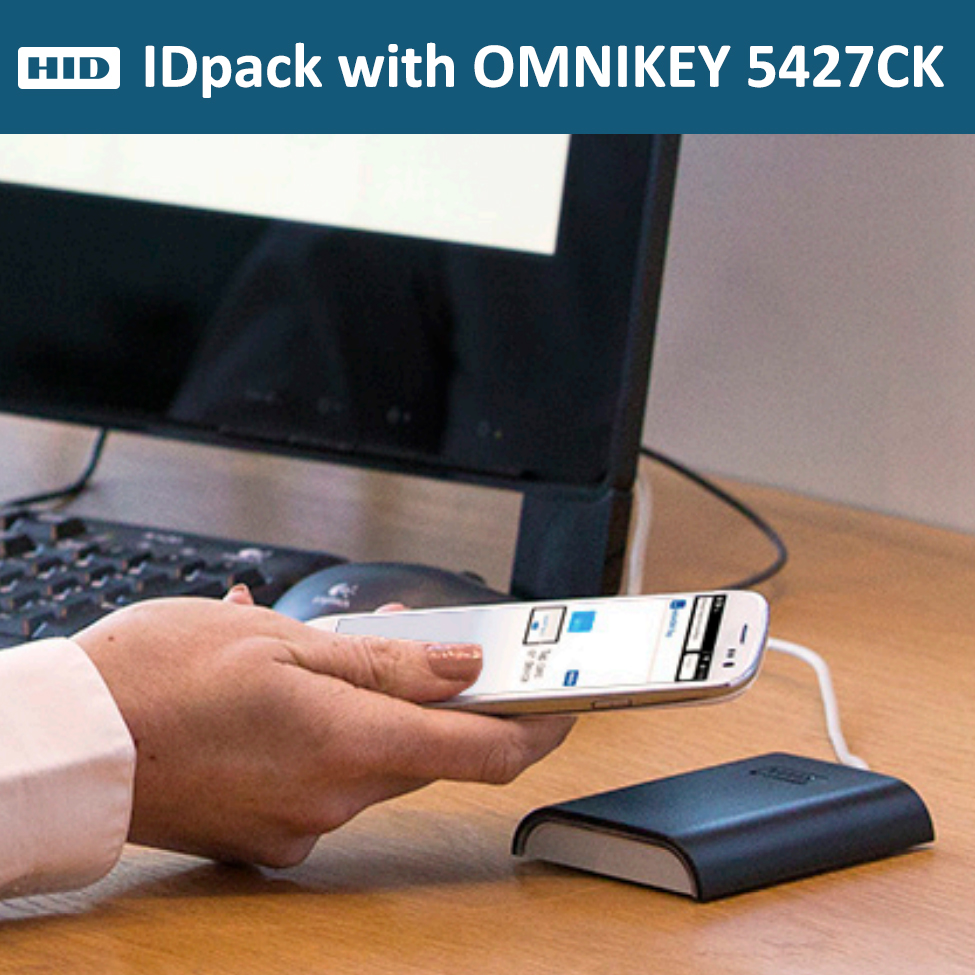
OMNIKEY 5427CK Contactless Credential Support
Enable Contactless credential reading in IDpack using the OMNIKEY 5427CK. Fast integration, real-time attendance, and API support for external systems.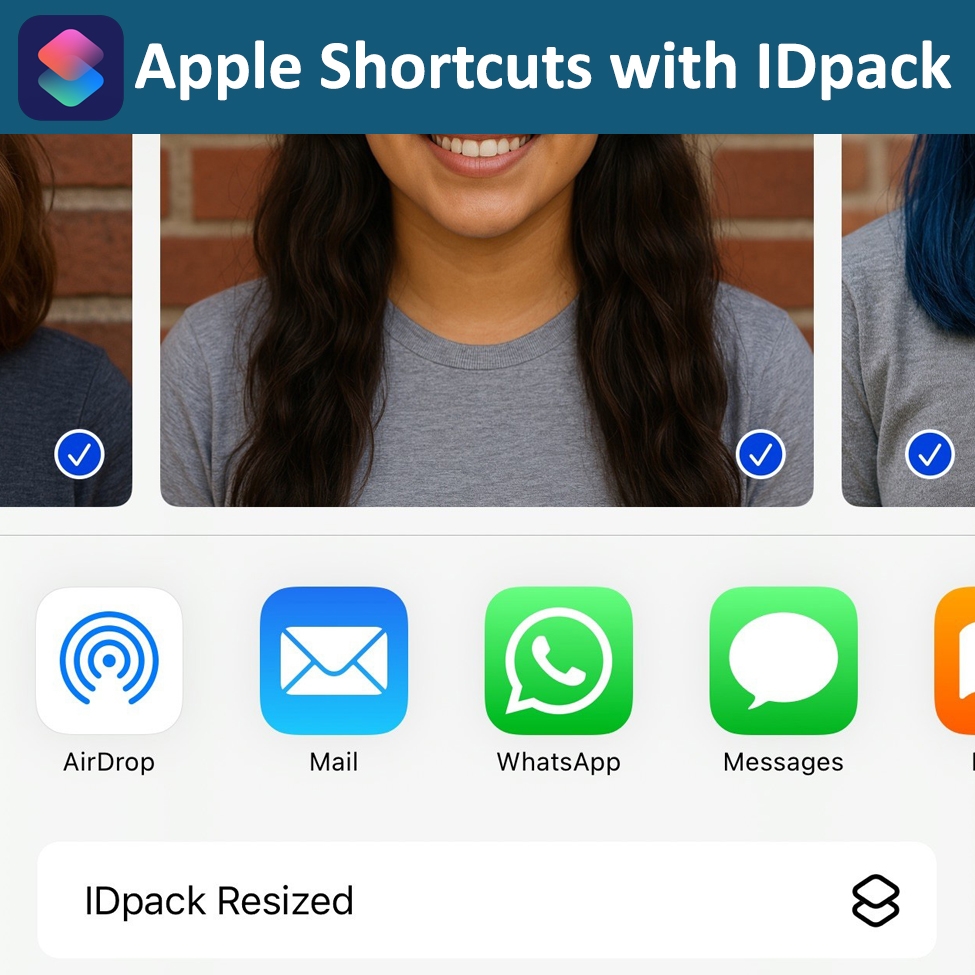
How to Resize Photos for IDpack Import Using Apple Shortcuts
Learn how to quickly resize images to 450×450 pixels and under 120 KB for IDpack using Apple Shortcuts. Perfect for Import Photos (.zip) workflows.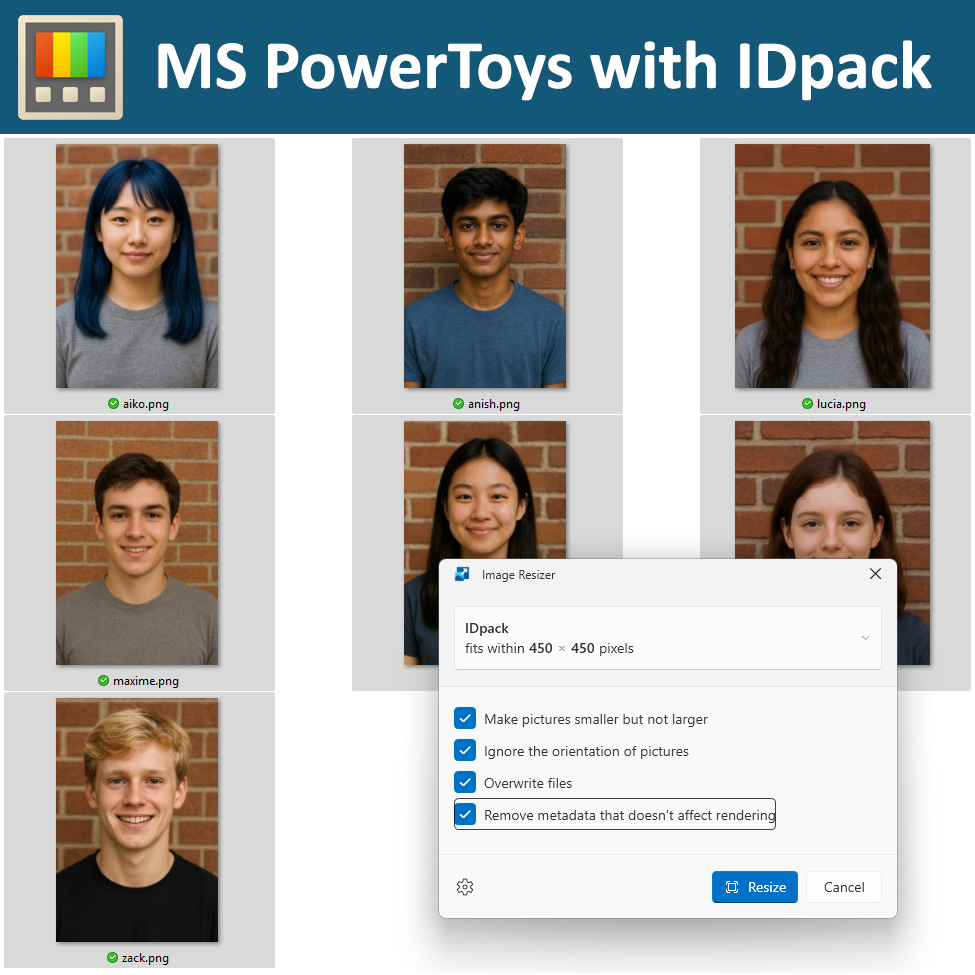
How to Resize Photos for IDpack Import Using MS PowerToys
Learn how to quickly resize images to 450×450 pixels and under 120 KB for IDpack using Microsoft PowerToys. Perfect for Import Photos (.zip) workflows.
We're Live! Meet the IDpack Checkpoint Mobile App
IDpack Checkpoint is a powerful tool for managing check-ins, check-outs, and badge validation through seamless QR code scanning.